Far manager is a terminal-based file manager for Windows.
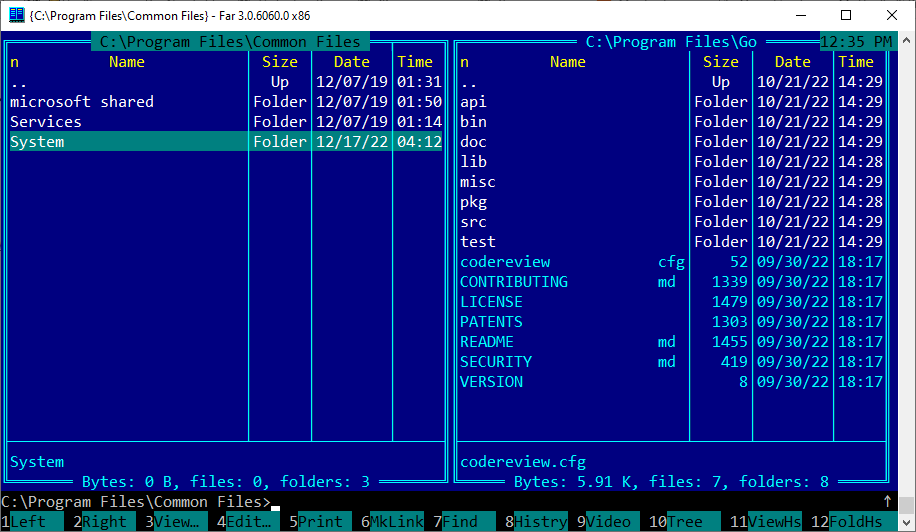
Links
Basic commands
-
Tab- jump between left and right panels -
F5- Copy file under cursor/selection to the opposite panel -
F6- Move file under cursor/selection to the opposite panel -
Shift-F5- Create copy of a file file in the same panel -
Shift-F6- Rename current file -
Enter- open file -
Shift+arrows up/down- select files -
F3- View file under cursor -
F4- Edit file under cursor
Good parts
- Good out of the box support for a large variety of archives
- Free
Bad parts
- Works only on Windows, because uses Win API
- Current Major version of Far Manager is 3. Version 2 was far more lightweight
- Now it hasn’t an option for turning on “Black and white” colorscheme.
- Ugly default “Blue” color that makes you sick